![symbol-full-color.svg]](https://3985310.fs1.hubspotusercontent-na1.net/hubfs/3985310/assets/images/logos/symbol-full-color.svg)
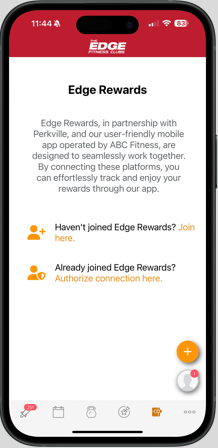
1. Click the present icon on the bottom of your home screen to get started & follow the prompts to enroll in Edge Rewards.
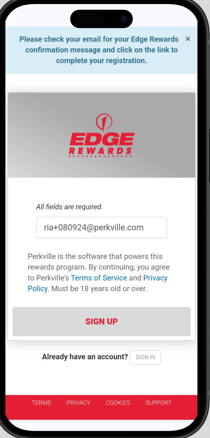
2. Member selects "Sign Up". Member is directed to check their email for link to confirm registration and set a password.
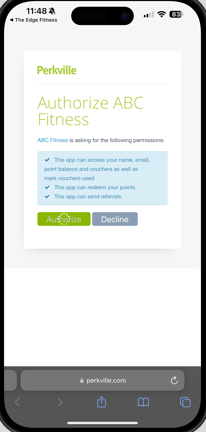
3. In the Edge App, the member selects Authorize connection here to link their Edge Rewards account to their app.